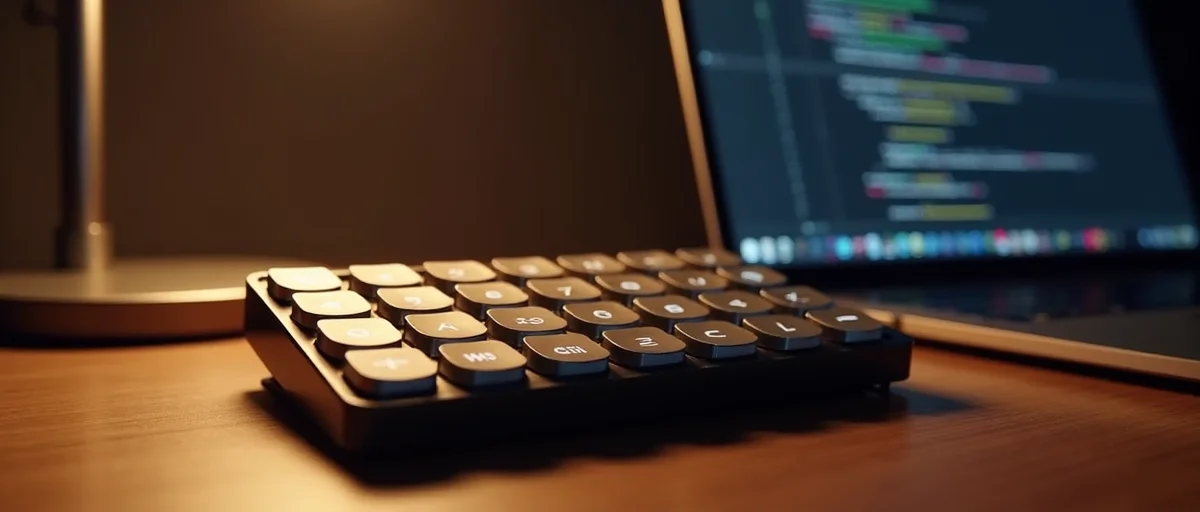
OpenAI's new physical keypad is designed to boost coding productivity through dedicated AI shortcuts. While developers may find it a powerful addition to their workflow, general users may struggle to grasp its purpose or value beyond a novelty.
OpenAI has long been synonymous with software innovation—from GPT-4 to DALL-E. Now it’s taking a surprising leap into hardware with a dedicated AI keypad. This compact device promises to streamline coding workflows by offering physical shortcuts to AI-powered features. But while it could become an indispensable tool for developers, it risks leaving everyone else wondering what all the fuss is about.
The OpenAI AI Keypad is a standalone peripheral that connects to your computer via USB or Bluetooth. It features a grid of customizable keys, each of which can trigger specific actions in your development environment—such as requesting a code review from ChatGPT, generating a docstring, or refactoring a function. The keypad essentially acts as a tangible bridge between your fingertips and OpenAI’s large language models, reducing the friction of tabbing out to a browser or typing out prompts.
Early reports indicate that the keypad is built with durability in mind, featuring mechanical key switches that appeal to typing enthusiasts. But its true value lies in the seamless integration with OpenAI’s API, allowing developers to invoke AI assistance without breaking focus.
For coders, the keypad addresses a persistent pain point: context switching. Constantly moving between an IDE, a browser, and a chat interface can drain mental energy and break flow. By offloading common AI interactions to dedicated keys, the keypad aims to keep developers in the zone.
According to developers who have tested early prototypes, the keypad shines most in repetitive tasks. “If you’re writing dozens of similar functions a day, being able to request an AI rewrite with a physical button is a huge time-saver,” one tester noted. However, the keypad’s utility scales with a developer’s willingness to customize it. Out of the box, it comes preloaded with a set of general-purpose shortcuts, but power users will want to tailor every key to their specific workflow.
Outside of software development, the keypad’s appeal drops off quickly. For someone who uses a computer mainly for email, browsing, or word processing, the concept of a dedicated AI keypad may seem perplexing. Why not just use a keyboard shortcut or a voice command? What advantage does a physical keypad offer?
OpenAI has attempted to broaden the appeal by including shortcuts for summarization, translation, and quick web searches, but these functions are already well served by existing tools (like browser extensions or keyboard shortcuts in macOS or Windows). Without the deep integration into a development workflow, the keypad becomes a solution in search of a problem.
This keypad marks OpenAI’s first foray into physical products, signalling a strategic expansion beyond its core software offerings. The move aligns with a broader industry trend: AI companies are exploring hardware as a way to deepen platform lock-in and provide a more tactile interaction layer.
Competitors have already dabbled in this space. Amazon has its Alexa gadgets, Google has its Nest devices, and even Anthropic has considered purpose-built AI tools. But what differentiates OpenAI’s keypad is its laser focus on productivity rather than general-purpose assistance. It’s not a smart speaker; it’s a professional instrument.
Hardware also opens up new data opportunities: OpenAI could learn from keypad usage patterns to refine its models, though privacy safeguards would be essential. Still, the success of this keypad will largely depend on how well it integrates into existing ecosystems like Visual Studio Code, JetBrains, and the GitHub Copilot extension.
The AI keypad doesn’t exist in a vacuum. Developers already have access to a wealth of productivity tools:
What the OpenAI keypad brings is a purpose-built design optimized specifically for AI interactions. While the Stream Deck requires you to define prompts and API calls yourself, the OpenAI keypad comes pre-tuned for GPT models. It also offers dynamic labeling – keys can change their function based on the active application – which generic macro pads cannot.
However, its biggest differentiator is the cloud intelligence behind it. When you press a key, you’re not just executing a script; you’re sending a concise prompt to the latest GPT model and getting a contextual response. This makes it more than a shortcut tool: it’s a physical extension of the AI itself.
If you’re a professional developer who spends hours each day writing code, especially in multiple languages or frameworks, the keypad could be a worthwhile investment. The productivity gains from reduced context switching can add up over days and weeks.
On the other hand, IT managers and executives who rarely write code will likely find the device unnecessary. Even casual programmers, such as hobbyists or students, may find that the keypad’s cost outweighs its benefits, especially when free alternatives (like typing prompts into ChatGPT) are available.
The keypad is likely just the beginning. If successful, OpenAI could expand its hardware lineup to include devices tailored for other professions – perhaps an AI presenter remote for public speakers or a creative pad for designers. The concept of a dedicated, context-aware hardware controller could become a new category in tech accessories.
But for now, the keypad occupies a niche. It’s a bold experiment in human-computer interaction, one that may feel like a natural evolution to developers and an oddity to everyone else.
OpenAI’s AI keypad is a fascinating piece of hardware that excels in its target use case: accelerating coding workflows through tactile AI shortcuts. For developers willing to invest time in customization, it could become a staple of their daily toolkit. For the general user, however, the keypad will likely remain an enigma – a well-built device with a purpose that’s hard to grasp without a development context.
Whether the keypad becomes a mainstream hit or a niche accessory, it marks an important step in how we interact with AI. It moves the conversation from purely digital interfaces back to the physical world – one button at a time.